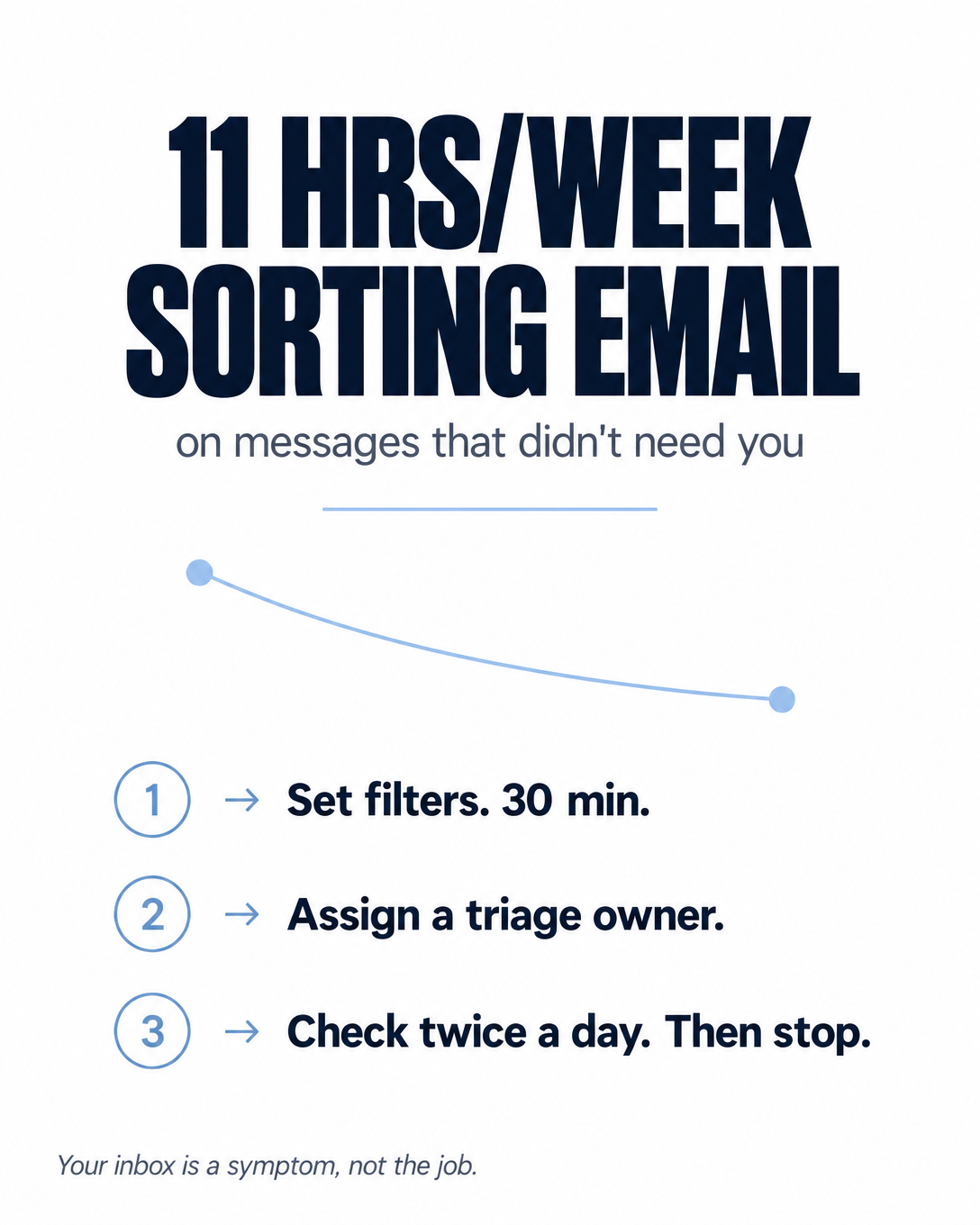
Inbox Zero for Entrepreneurs: A Practical Guide
You’ve tried inbox zero before. You spent a Sunday afternoon archiving 4,000 emails, felt like a new person, and by Wednesday the count was back over 200. So you decided inbox zero was a productivity-blogger fantasy that doesn’t survive contact with a real business.
Here’s what actually went wrong: you treated it as a cleanup. A one-time purge. But an inbox refills the same way a sink refills — because water keeps coming out of the tap. Emptying it once does nothing about the tap.
Inbox zero for entrepreneurs isn’t about checking email less, and it definitely isn’t about the heroic Sunday purge. It’s about building a system that makes constant checking unnecessary — where most email gets sorted, deferred, or handled before it ever touches your attention. This guide walks through what inbox zero actually means, why your last attempt failed, a five-step system that holds, the tools that make it stick, and the part most articles skip entirely: when to stop managing your inbox yourself and hand it to someone else.
If you already suspect your real problem isn’t email discipline but that you’re doing $20/hr work all day, the free 3-minute VA Readiness Assessment will tell you where your time is actually leaking.
What inbox zero actually means
Inbox zero was never “zero emails.” The guy who coined the term, productivity expert Merlin Mann, meant zero attention spent on the inbox — the mental drag of an inbox you’re always half-thinking about. The number in the corner was never the point. The point was to stop your email from renting space in your head.
That reframe changes everything. If the goal is an empty inbox, you’re playing a game you lose every morning at 6am when 40 new messages land. If the goal is an inbox that doesn’t own your attention, you’re building a sorting system — and a system can win.
So a working definition for a busy owner: inbox zero is a state where every message has a decided next action, so nothing sits in your inbox demanding to be re-read and re-decided. Empty is a nice side effect. Decided is the actual win.
Why your previous attempts failed
Almost every failed inbox-zero attempt dies for one of three reasons. Recognize yours.
You cleaned instead of building. The purge feels amazing and accomplishes nothing durable, because you removed the backlog without changing what flows in. The next day’s mail arrives to the same undefended inbox.
You used your inbox as your to-do list. This is the big one. When an email that needs a two-week project sits in your inbox as the reminder to do it, your inbox becomes a pile of unlike things — a newsletter next to a lawsuit next to a lunch invite — each one silently asking “have you dealt with me yet?” every time you look. An inbox is a delivery mechanism, not a task manager. Mixing the two guarantees both do their jobs badly.
You never separated deciding from doing. Most people open an email, think “ugh, I’ll handle that later,” and close it — leaving it right there to be re-read and re-dreaded ten more times. Cal Newport’s work on Deep Work has a name for the cost of this: attention residue. Every time you glance at that unhandled email and re-decide nothing, a little smear of your focus stays stuck to it. Do that across a 200-message inbox and you’re carrying 200 tiny open loops into every task you try to actually finish.
That last one matters more than owners realize. A McKinsey study cited in Deep Work found knowledge workers spend more than 60% of the workweek on electronic communication and internet, and around 30% on email alone. If a third of your week is email, the difference between a system and no system isn’t a productivity nicety — it’s most of your working life.
The 5-step inbox zero system
This is the part that holds, because it defends the tap instead of just draining the sink. Five steps.
1. Declare email bankruptcy — once. Before you archive anything, search for open customer inquiries, unpaid invoices, and anything with a deadline, and flag those. Flagged messages go straight onto your task list. Then select everything older than two weeks and archive it. Not delete — archive. It’s all still searchable if you ever need it, and you almost never will. Most things that were urgent two weeks ago have already found you another way, and the flag pass catches the rest. This is the only “purge” you’re allowed, and it exists just to give you a clean field to build on. Give it fifteen minutes and move on.
2. Sort every message into one of four buckets. For each email you touch, make one decision:
Do — if it takes under two minutes, handle it right now. Reply, done, archive.
Defer — if it needs real work, move it out of the inbox and onto your actual task list (or snooze it to the day you’ll do it). The email is not the task; the task goes where tasks live.
Delegate — if someone else should handle it, forward it and archive your copy. (More on making this real below.)
Delete/Archive — if it needs nothing, get it out. Newsletters you didn’t read, CCs you didn’t need to be on, receipts your accountant already has.
Every message goes into exactly one bucket. Nothing gets “left for later” in the inbox. That single rule is 80% of the whole system.
3. Process in batches, not continuously. Stop treating email as a live feed you monitor all day. Pick two or three windows — mid-morning, after lunch, end of day — and process the inbox to empty in each one. Between windows, it’s closed. This is the direct fix for the fragmentation problem: instead of 60 interruptions leaving 60 smears of attention residue, you get a few clean blocks of focus and a few clean blocks of email. Busy all day isn’t the same as productive, and a pinging inbox is the purest form of busy-that-isn’t-productive there is.
4. Kill the noise at the source. Every recurring email you don’t actually need is a tiny recurring tax. Spend 20 minutes unsubscribing from everything you skim and delete out of guilt. Then build filters (next section) so the mail that does keep coming routes itself before you see it. You’re not just processing faster — you’re reducing what needs processing at all.
5. Empty it at the end of each window, every time. The habit is the whole thing. An inbox processed to empty three times a day never becomes a 200-message monster, because it never gets the chance to accumulate. The first week takes discipline. By week three it’s just how you use email.
Notice what this system really is: you’re not doing email harder, you’re capturing how email should be handled into a repeatable routine. That’s the same principle behind any good business system — you don’t reinvent the decision every time, you build the rule once and run it.
You built a system. Should you still be the one running it?
Here’s the uncomfortable math, using rough numbers you should swap for your own: sorting email is about a $20/hr task. Your blended time as the owner is worth around $200/hr — and your best hour, the one you spend selling, quoting, or closing, is worth closer to $1,000. Inbox zero gets the chaos organized. It doesn’t change who’s doing the sorting. If that’s still you, three times a day, you’ve built a beautiful system for spending your most valuable hours on your least valuable work. See whether your inbox is ready to hand off →
Tools that make it stick
The system comes first; tools just make it faster. Here’s what actually earns its place.
Gmail filters and labels. The highest-leverage free tool you own. Build filters that auto-archive-and-label the predictable stuff — receipts to a “Receipts” label that skips the inbox, newsletters to “Read Later,” client domains to “Clients” so they’re never buried. An afternoon of filter-building removes a category of email from your attention permanently.
Multiple Inboxes / priority inbox. Split your view so “needs my reply” sits apart from “FYI” and “sorted.” You stop scanning one undifferentiated wall of mail.
Snooze. Built into Gmail, Outlook, and every serious email app. This is what makes “Defer” real — an email you can’t handle until Thursday disappears until Thursday, instead of nagging you Monday through Wednesday.
Superhuman. If email genuinely is your job — you live in it for hours — the speed and keyboard-first flow are worth the subscription. If email is a chore you want to minimize, it’s overkill; filters and snooze get you most of the way for free. Match the tool to the reality.
Text expanders (TextExpander, or built-in shortcuts). If you type the same five replies over and over, turn them into two-keystroke snippets. Half your “Do” bucket is often the same handful of responses.
Don’t buy a new app to fix a system problem. A tricked-out email client with no sorting rule behind it is just a faster way to feel behind.
How to maintain it
The system decays if you let two things creep back: monitoring continuously again, and letting messages sit “just for now.” Guard both. A five-minute Friday reset — clear whatever slipped, kill any new newsletter that snuck in, adjust a filter that’s mis-sorting — keeps the whole thing honest. Treat it like any live system in your business: it’s not a document you finish, it’s a routine you keep current.
When to hand your inbox to someone else
Here’s what the productivity blogs never tell you, because they’re written for employees, not owners: the endgame of inbox zero isn’t you doing it faster. It’s you not doing it at all.
Once your email runs on a system — clear buckets, working filters, defined rules for what matters — you’ve built something that no longer requires your specific brain to operate. And the moment a task no longer needs your brain, the question stops being “how do I do this efficiently?” and becomes “why am I still the one doing it?”
A trained assistant can run a systematized inbox better than you can, because they’ll actually do it on schedule instead of at 11pm between more important things. They triage, they draft the routine replies, they flag the handful of messages that genuinely need you — and you drop from three inbox windows a day to a two-minute glance at a “needs your decision” folder. This is the difference between deciding every email and delegating an outcome: you hand over “keep the inbox at zero and surface what only I can answer,” not a script of clicks.
Two honest notes for owners who’ve been burned before, and especially for anyone in a confidentiality-heavy field like law, accounting, insurance, or real estate. First, this only works when your inbox is genuinely systematized — handing a chaotic inbox to a helper just relocates the chaos; documenting the rules first is what makes the handoff stick. Second, access should be structured, not casual: a managed assistant works under an NDA, on your login with least-privilege access you can revoke the same day, handling the scheduling, follow-ups, and routing around your sensitive work — not the privileged client data itself. The line between “delegable admin” and “stays with you” is one you set, and a good managed setup respects it by design.
FAQ
Is inbox zero actually realistic for a busy business owner?
Yes — if you redefine it. Inbox zero doesn’t mean an empty inbox all day; it means every message has a decided next action, so nothing sits there being re-read. Processed to empty two or three times a day on a schedule, it’s very realistic. Chased continuously as “no unread ever,” it’s not.
How is inbox zero different from just deleting all my emails?
Deleting is a one-time cleanup that fixes nothing, because new mail arrives to the same undefended inbox the next morning. Inbox zero is a sorting system — filters, batching, and a four-bucket decision for every message — that keeps the inbox empty by controlling what flows in and how it’s handled, not by periodically purging the pile.
What’s the fastest way to get started today?
Flag open customer inquiries, unpaid invoices, and anything with a deadline first. Then archive everything older than two weeks (archive, not delete — it stays searchable) and process what’s left into four buckets: do it now if under two minutes, defer it to your task list, delegate it, or archive it. Then set two or three daily windows to repeat that, and stop checking in between.
When should I hand my inbox off to a VA instead of managing it myself?
Once it’s systematized — clear rules, working filters, a defined sense of what actually needs you. At that point sorting email is roughly a $20/hr task eating hours worth around $200 each, and a trained assistant can run the system on schedule and surface only what needs your decision. If your inbox is still chaos, document the rules first; handing over chaos just moves it.
The real finish line
Inbox zero isn’t a clean inbox. It’s the moment email stops owning a corner of your mind — and then, if you’re an owner, the moment you stop being the one who has to keep it that way.
The system in this guide gets you to the first finish line: a defended inbox that runs on rules instead of willpower. But the second finish line is the one that actually buys back your week. An email routine clean enough to run on a system is an email routine clean enough to hand off — and that’s the whole game. You didn’t start a business to be its highest-paid inbox sorter.
At Go Task-Free, we document how your inbox should be handled, then assign a trained pod to run it on that schedule. You keep ownership of every account and can revoke access the same day. A monthly scorecard shows what was handled and what is still waiting on your decision.
Already have the system built? Find out if you’re ready to delegate it. The free 3-minute VA Readiness Assessment tells you whether your inbox — and the rest of your daily task load — is set up to hand off cleanly, or what to tighten first.